
ID scan &
identity match
Capture and validate ID details quickly at sign-in
ID scan & identity match add reliable identity verification directly into the sign-in experience. Government-issued IDs are scanned, data is captured accurately, and security checks can be applied where required without slowing down arrivals. From lightweight checks to stricter identity controls, Sign In App confirms who’s on site, with clear records and minimal friction.
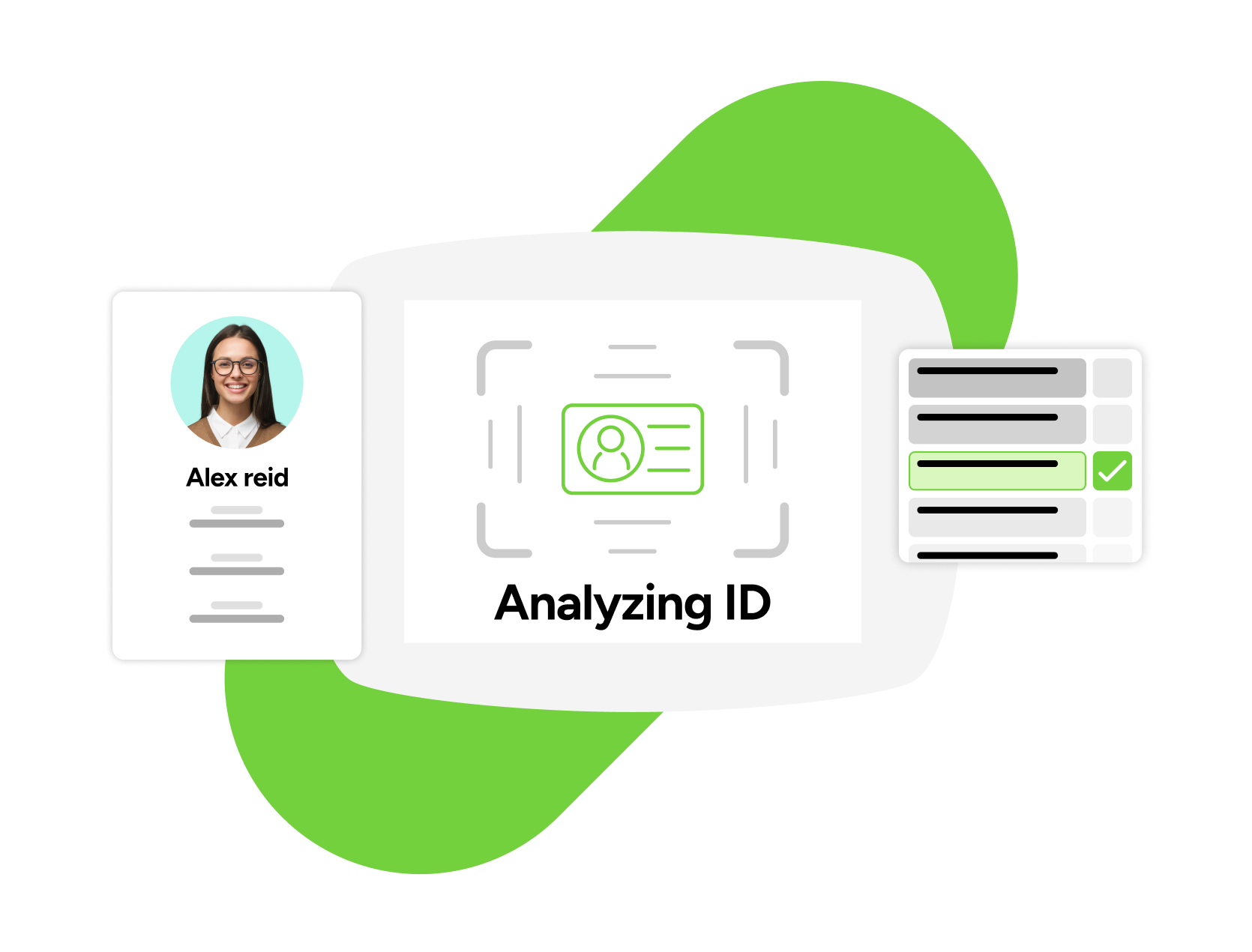
Identity checks shouldn’t rely on manual review
Manual ID checks are inconsistent and hard to scale:
- IDs are visually checked and easily missed
- Information is entered by hand, introducing errors
- Verification steps vary by location or staff member
- Records are incomplete or hard to audit
This creates gaps - especially in high-traffic or regulated environments. Built-in ID scanning and identity matching standardize the process. Checks are applied consistently, data is captured accurately, and potential issues are surfaced immediately without disrupting visitor flow.
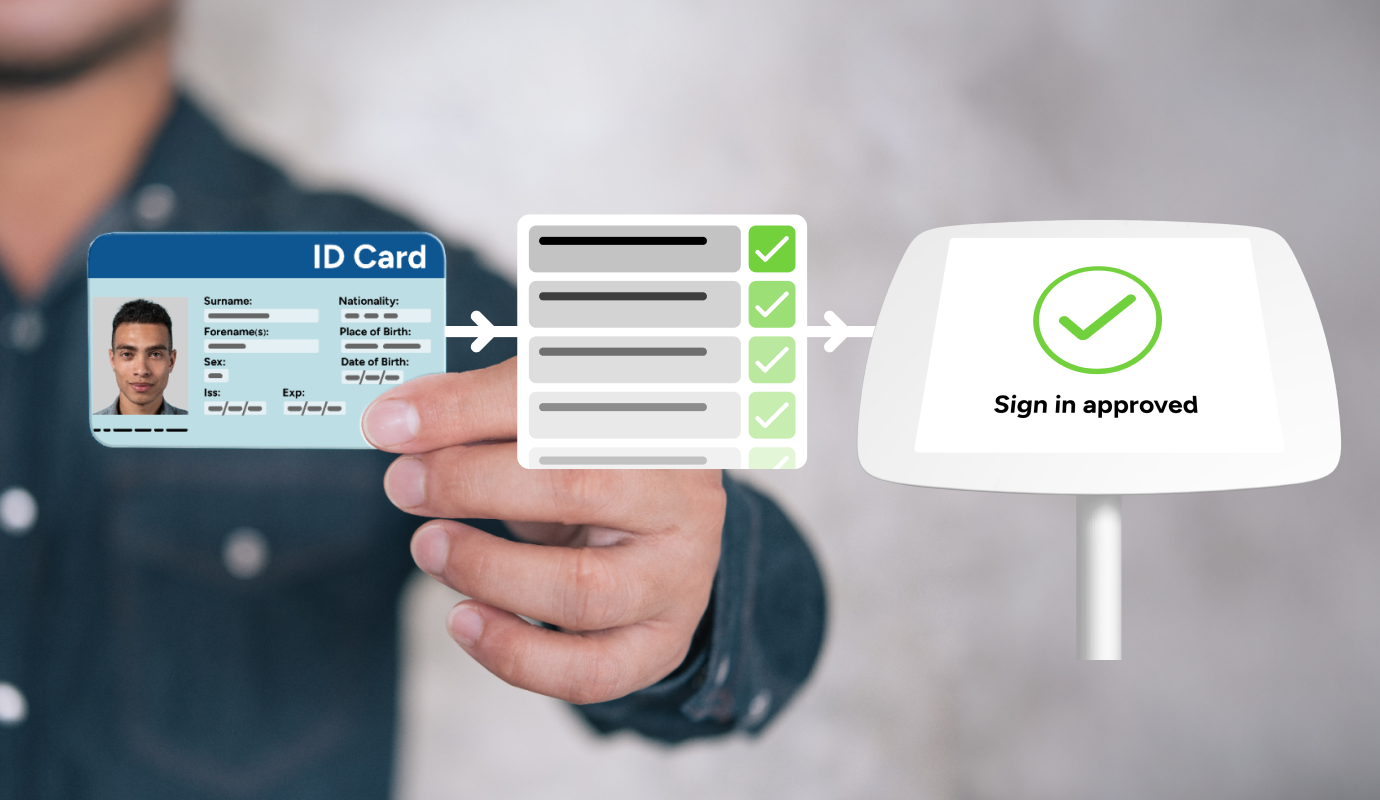
Faster checks. Better protection.

Government ID scanning
Quickly scan government IDs with the device camera to auto-capture the data you want to collect and flag any mismatches.

Seamless sign-in integration

Random security checks

Real-time security insight
Flag discrepancies instantly in the portal so security teams see identity concerns without disrupting visitor flow.
Visitor identity verification built to scale
Workflow integration
Selective data capture
Easily verify IDs and keep arrivals moving
-
Individual arrives on site
-
ID scanned where required
-
Photo captured, name matched
-
Discrepancies flagged instantly
-
Verified ID recorded
.png?width=1670&height=1270&name=ID%20scan_003%20(1).png)
Designed for every organization

Small businesses
Professional ID checks without complexity.
- Scan IDs using existing iPads
- Capture accurate visitor details
- Keep arrivals fast and consistent

Multi-site teams
Standardized identity checks across locations.
- Apply shared ID rules centrally
- Maintain visibility across sites
- Reduce variation between teams

High-trust environments
Stricter identity verification where required.
- Apply identity matching and spot checks
- Control what data is captured and stored
- Maintain defensible, audit-ready

Public sector & education
Flexible identity checks for safeguarding.
- Support different capture rules by role
- Run registry checks for first-time or higher-risk visitors
- Maintain clear identity records
 Visitor approvals & risk insights
 Mobile & kiosk sign-in
 Notifications
 Platform customization
 Sign In App Tap
 Incident management