
Turn access into a simpler sign in experience
Connect Paxton Net2 access control with Sign In App to bring visitor and staff access into one simple workflow.
Issue access credentials to visitors as part of their sign-in journey. Manage staff credentials through Sign In App, and when a staff member taps their Paxton card or fob at a door reader, they can automatically sign into Sign In App.

Connect access control with visitor and staff management
Getting through the door and recording who’s on site shouldn’t be two separate processes.
Sign In App connects with Paxton Net2, bringing on-premise access control into your visitor and staff workflows.
Visitors can receive Paxton access credentials as part of sign-in. Staff can use their existing Paxton card or fob to automatically sign into Sign In App when they tap at a configured door reader or on the Sign In App Tap reader.
The result is less admin, less friction and more accurate presence data.
.png?width=1200&height=690&name=sia_features_siatap_003%20(1).png)
Give visitors the right access
Create a smoother journey from arrival to access.
With the Paxton Net2 integration, access credentials can be issued to visitors through Sign In App, connecting sign-in with the physical access they need during their visit.
Reception and security teams spend less time managing separate processes, while visitors get a more joined-up experience from welcome to access.
.png?width=1480&height=987&name=Paxton2%20(4).png)
Take the extra step out of your staff sign-in process

One tap, no duplicate sign-in
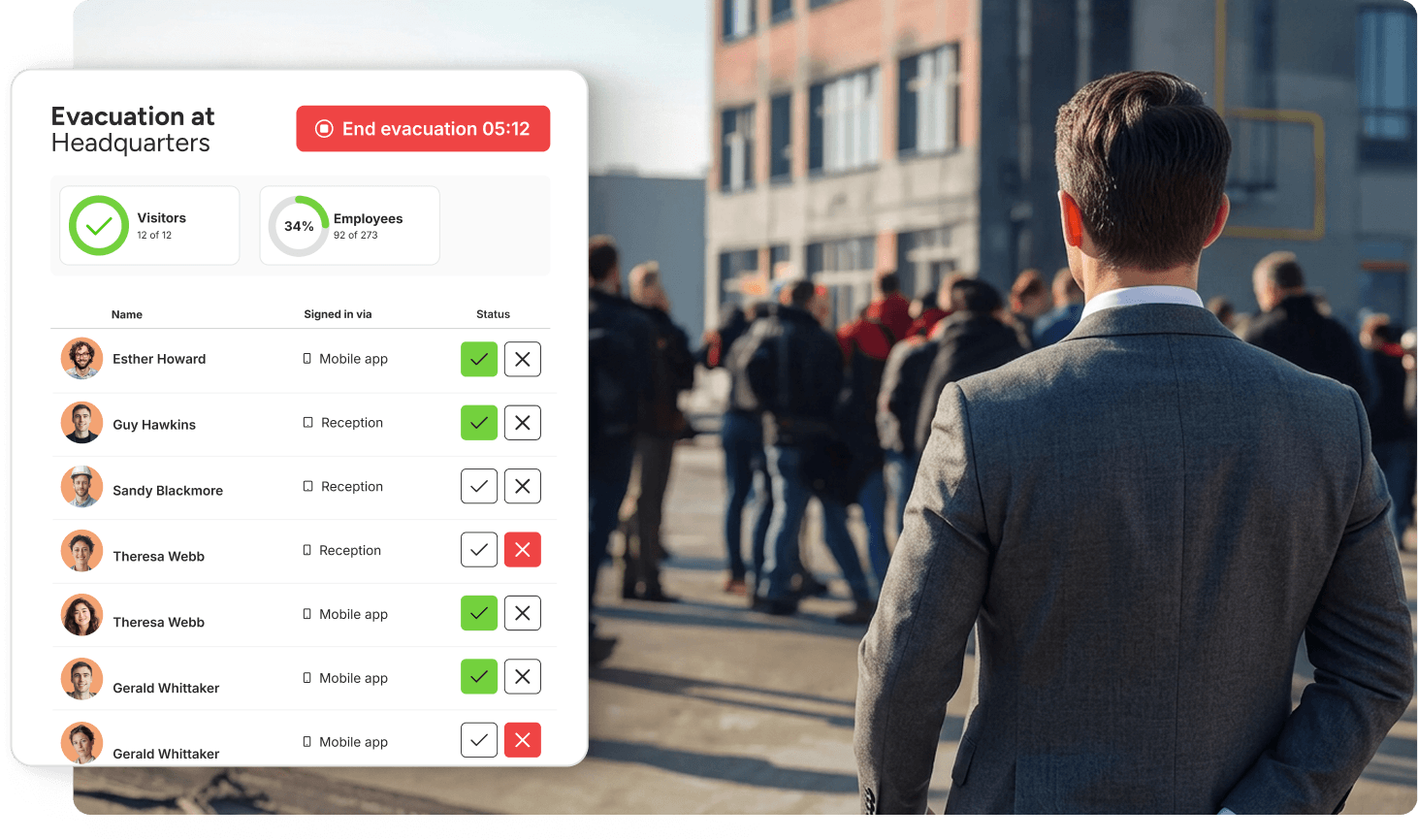
More accurate evacuation records

Make more of your Paxton setup
More than access control
Connect Paxton with Sign In App and access becomes part of a bigger picture of who’s arriving, who’s on site and what they need while they’re there.
Manage visitor and staff credentials alongside sign-in, identity checks, agreements, real-time presence and evacuation through the Access Intelligence Platform. So you know more than who came through the door - you have the context of who they are, why they’re there and what happens next.
That means you can:
- Give visitors the right access as part of their sign-in
- Make staff sign-in automatic with their existing Paxton credential
- Know who’s on site in real time
- Keep evacuation records accurate and up to date
- Manage identity checks, agreements and entry requirements
- Apply consistent processes across multiple locations
.png?width=2960&height=2346&name=SIA_Platform_Education%20(1).png)