
Visitor approvals & risk insights
Know who's coming. Control who gets access.
Make confident decisions before visitors arrive and as they sign in. Sign In App helps you screen visitors, check entry requirements, and route approvals to the right people. From pre-arrival screening to conditional sign-in approvals, you can manage risk, enforce site policies, and keep visitors moving without compromising security.
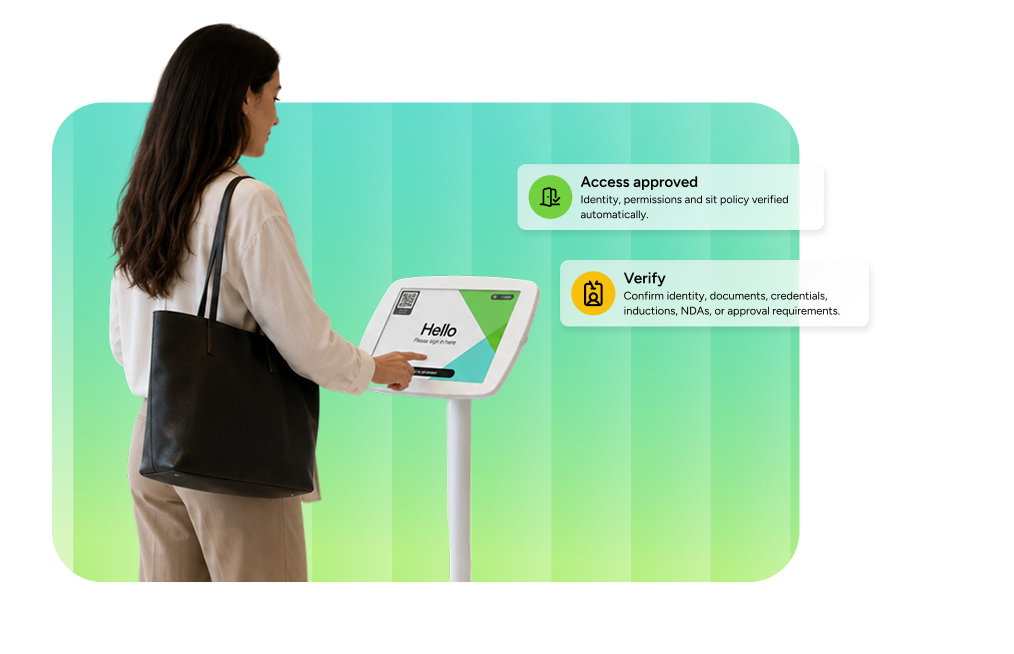
Security shouldn’t start at the front door
Visitor security starts before arrival and continues through sign-in. But managing approvals manually can create unnecessary delays and leave important decisions to the last minute.
- Last-minute checks can slow down reception and create queues.
- Hosts and site managers need the right information to make confident approval decisions.
- Safety requirements, such as PPE and inductions, need to be checked consistently.
- Different visitors, sites, and risk levels call for different approval processes.
Sign In App brings these checks together. Screen visitors before they arrive, automatically check their answers against your entry conditions at sign-in, and route exceptions to the right approvers. Your team stays in control, while visitors enjoy a smoother welcome.
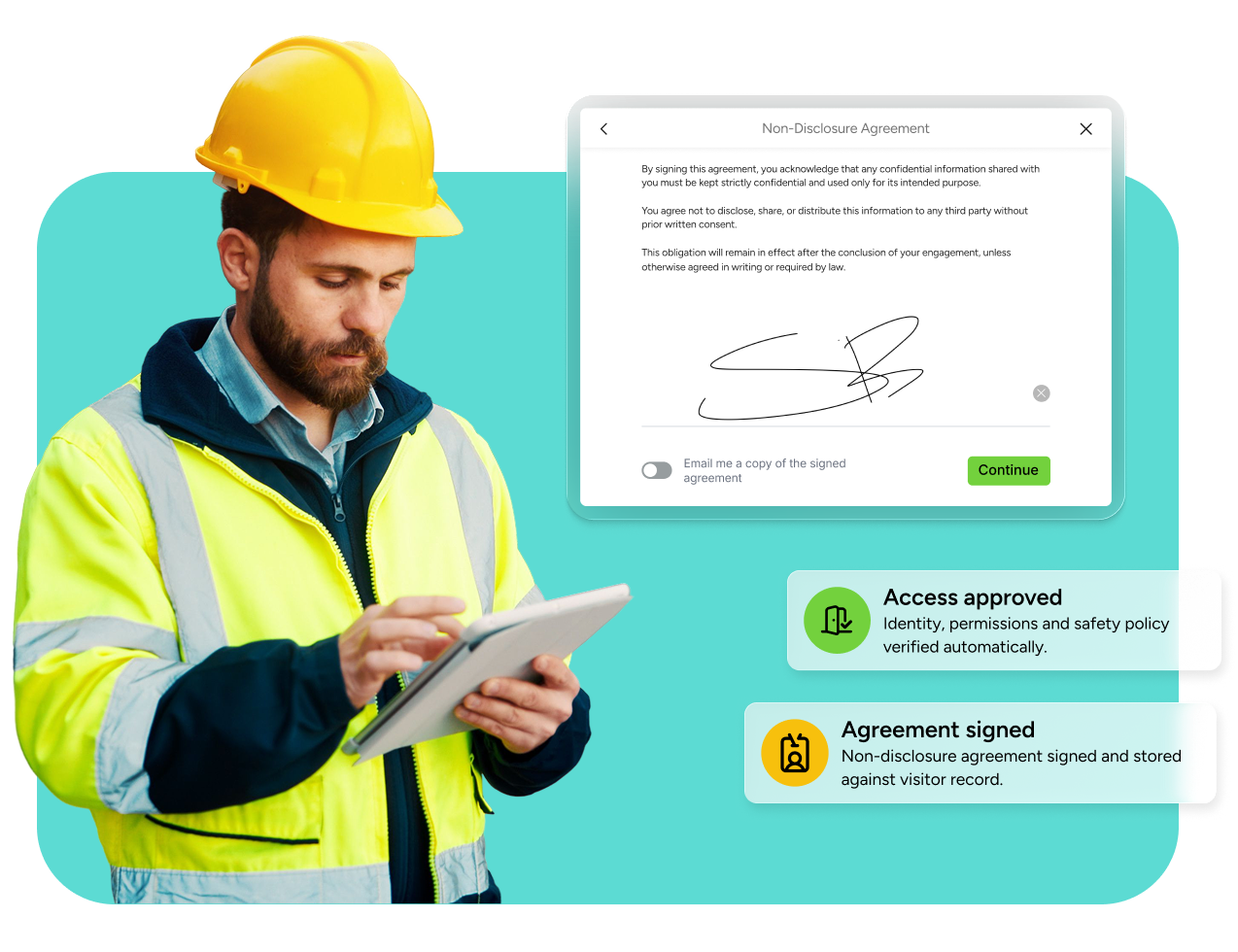
Clear insight. Confident decisions.

Advance information gathering
Collect essential visitor details and compliance information before arrival through pre-registration and the Registration Portal.

Pre-arrival approval workflows
Review and authorize visitors before they arrive, with pre-registration options for sites that require advance approval.

Watchlist screening
Screen visitors against customizable watchlists to identify potential security concerns before they arrive on-site.
Enhanced risk & approval features

Risk assessments

Background verification

Educational compliance

Conditional sign-in approvals
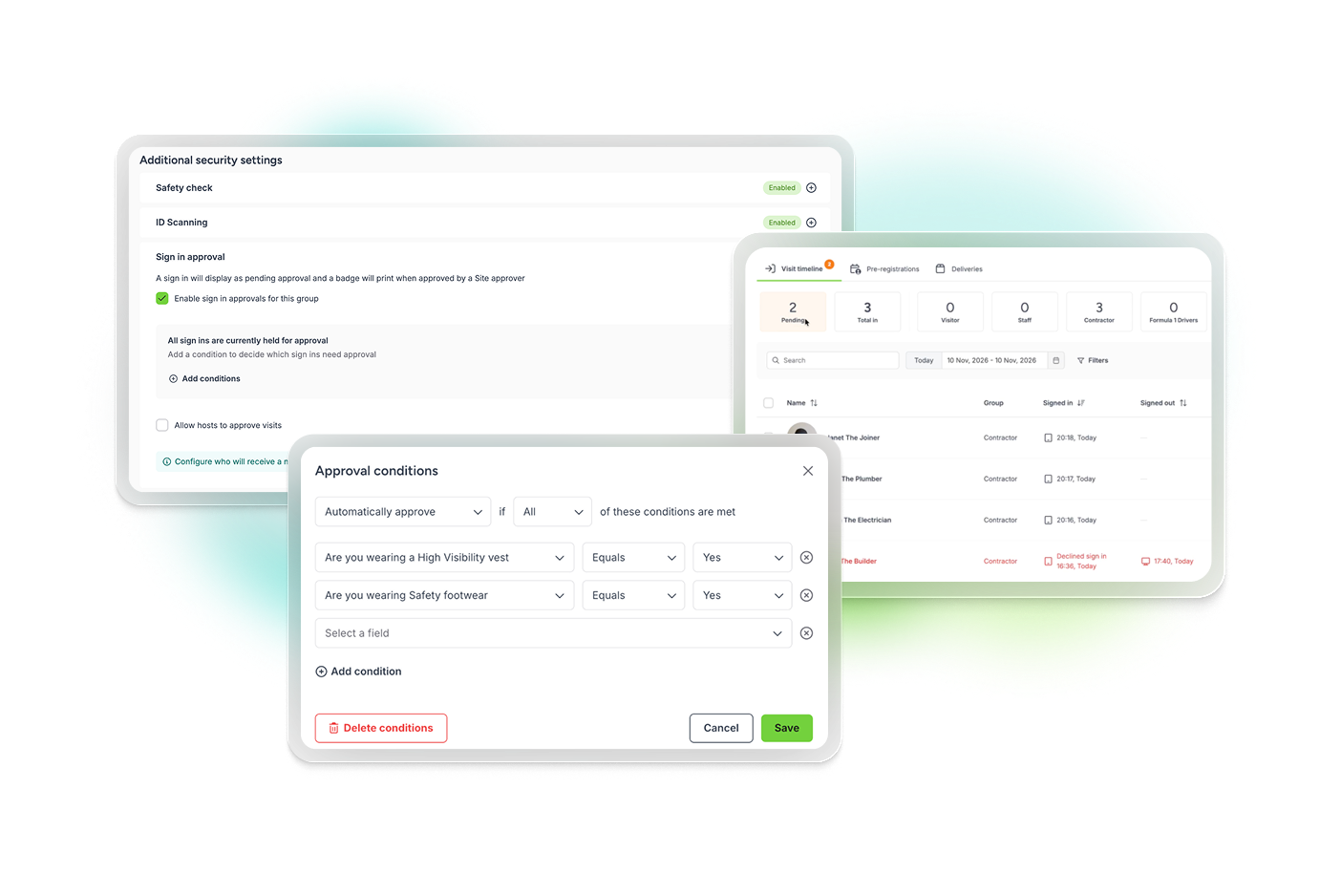
Automatically check visitor answers against your entry conditions at the kiosk. Hold flagged sign-ins for approval while other visitors move straight through.
Hold the badge, not the visitor
Review the visits that need it. Let everyone else walk through.
Sign In App checks visitor answers against your preset entry conditions, automatically flagging exceptions for approval.
Visitors can step away from the kiosk while their badge is held. Site approvers receive an email to review and approve or decline the sign-in, without logging into the portal.
Keep your lobby moving, enforce entry requirements, and maintain a clear record of every approval decision.
 Learn more
Advanced visitor approvals & risk insights

Comprehensive risk intelligence

Multi-step authorization

Continuous compliance monitoring

Advanced workflow automation
The right checks, at the right time
Make confident decisions before arrival and at sign-in. Screen visitors, enforce entry requirements, and manage approvals without slowing anyone down.
Before arrival
- Visitor invited or pre-registered
- Information collected
- Screening and checks completed
- Pre-arrival approvals routed and decisions made
At sign-in
- Visitor answers required questions at the kiosk
- Answers checked against preset entry conditions
- Visitors who meet the conditions proceed as normal
- Flagged sign-ins are held and routed to site approvers
- Once approved, the visitor's badge is released for printing
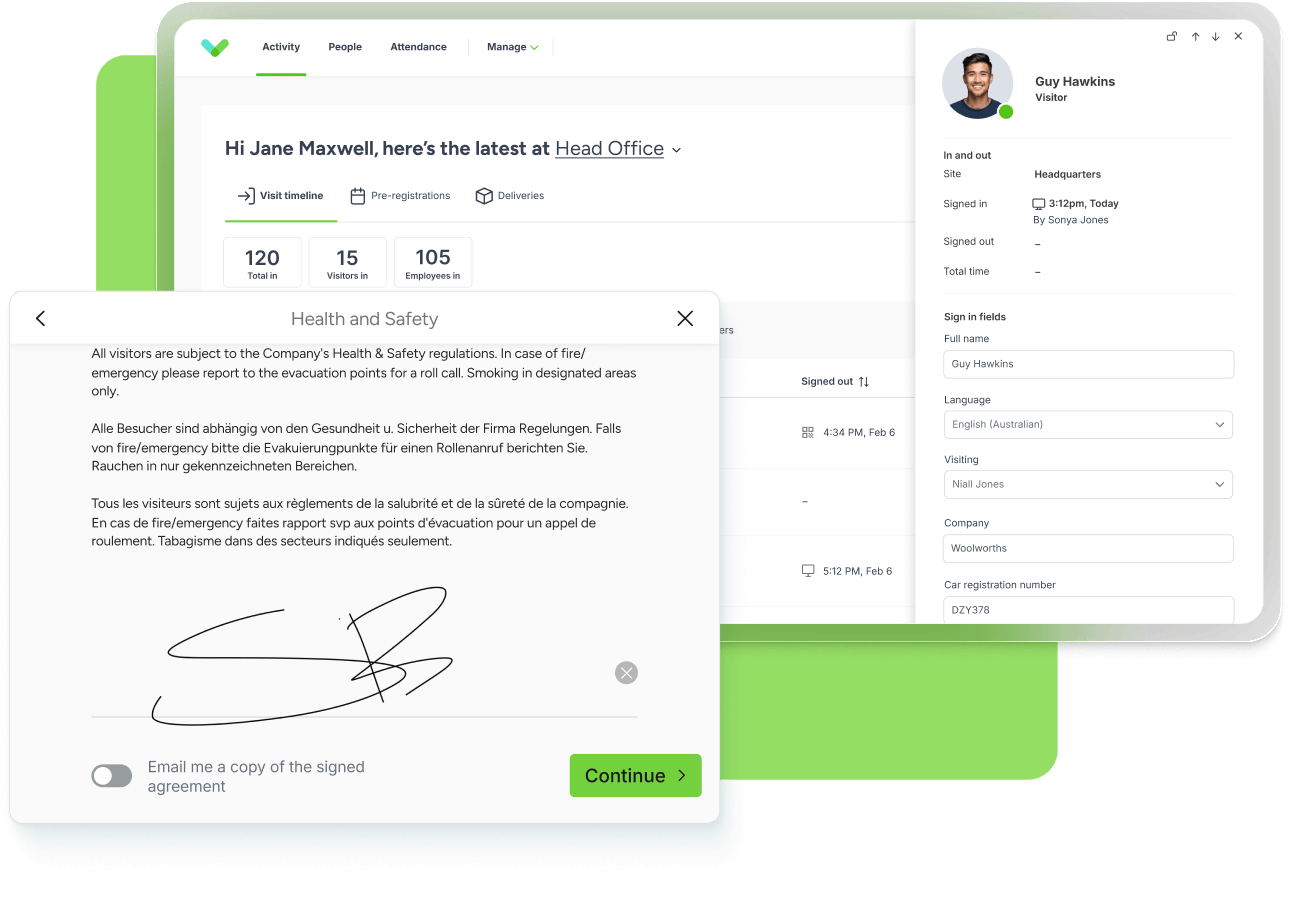
Designed to work across every environment

Manufacturing & logistics
Keep operations moving while enforcing site safety requirements.
- Hold contractor sign-ins when PPE or safety requirements aren't met.
- Route flagged visits to site managers for approval.
- Maintain a clear record of approval decisions for audits.

Corporate offices & multi-site businesses
Keep visitor experiences smooth while maintaining consistent entry standards.
- Automatically flag visitors who don't meet site entry conditions.
- Assign approvers across different office locations.
- Review exceptions without creating reception bottlenecks.

Highly-regulated industries
Strengthen access oversight across sensitive facilities.
- Screen visitors before arrival to support security requirements.
- Hold sign-ins when required entry conditions aren't met.
- Maintain records of who approved each flagged visit and when.

Public sector & education
Support safer, more controlled access for visitors and contractors.
- Check visitor responses against site-specific safeguarding and safety requirements.
- Route flagged sign-ins to designated staff for review.
- Keep visitor records up to date for emergency evacuation and compliance reviews.
 Pre-registrations & invites
 Onboarding & credentials
 Notifications
 Incident management
 Reporting